The Challenge
When I arrived at Palmview K-8, there was no centralized documentation system. Technical staff had to figure things out from scratch each time. Teachers struggled with interactive displays. Devices were managed without consistent processes.
I saw an opportunity to build systems that would outlast my time there.
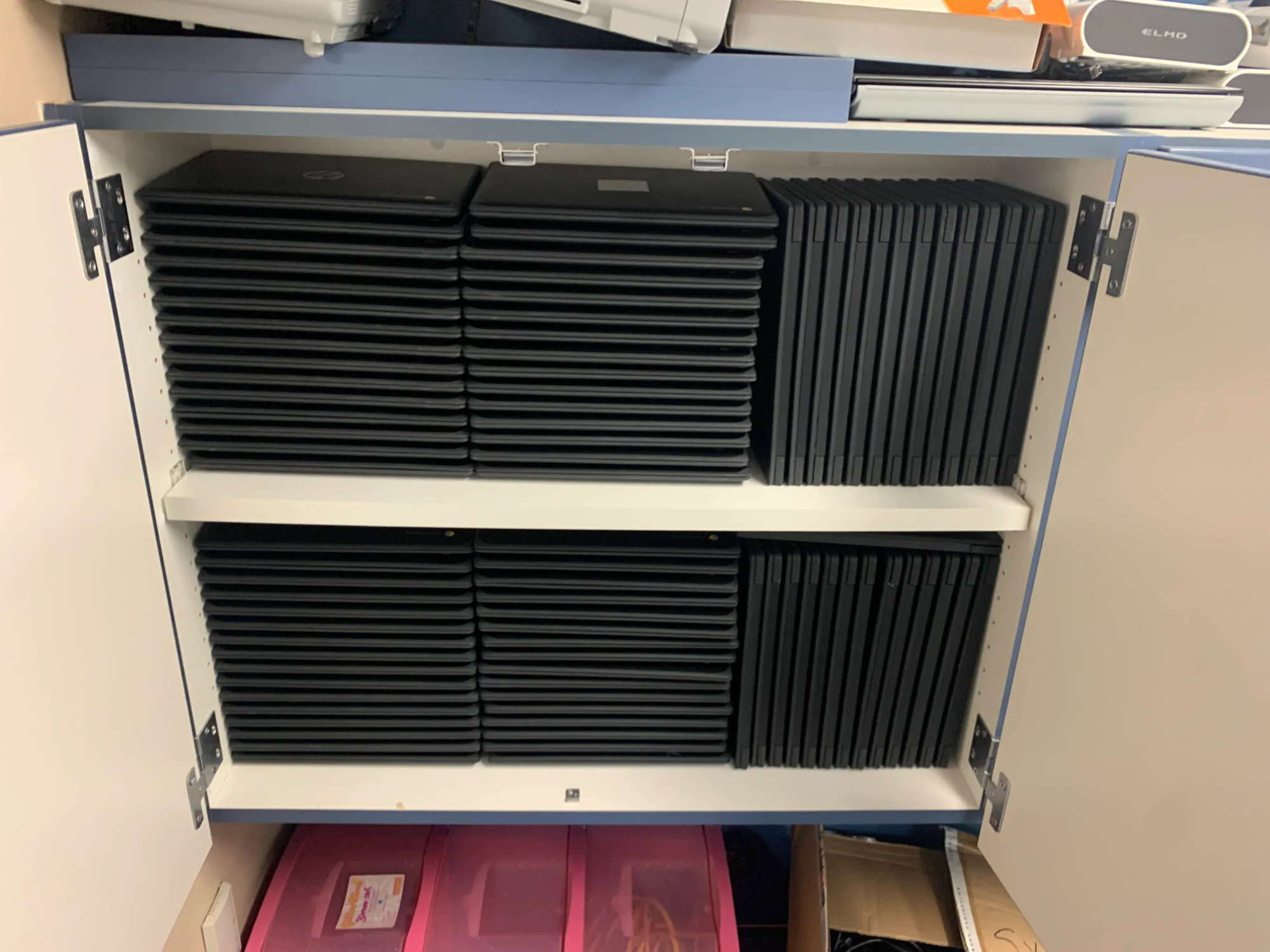
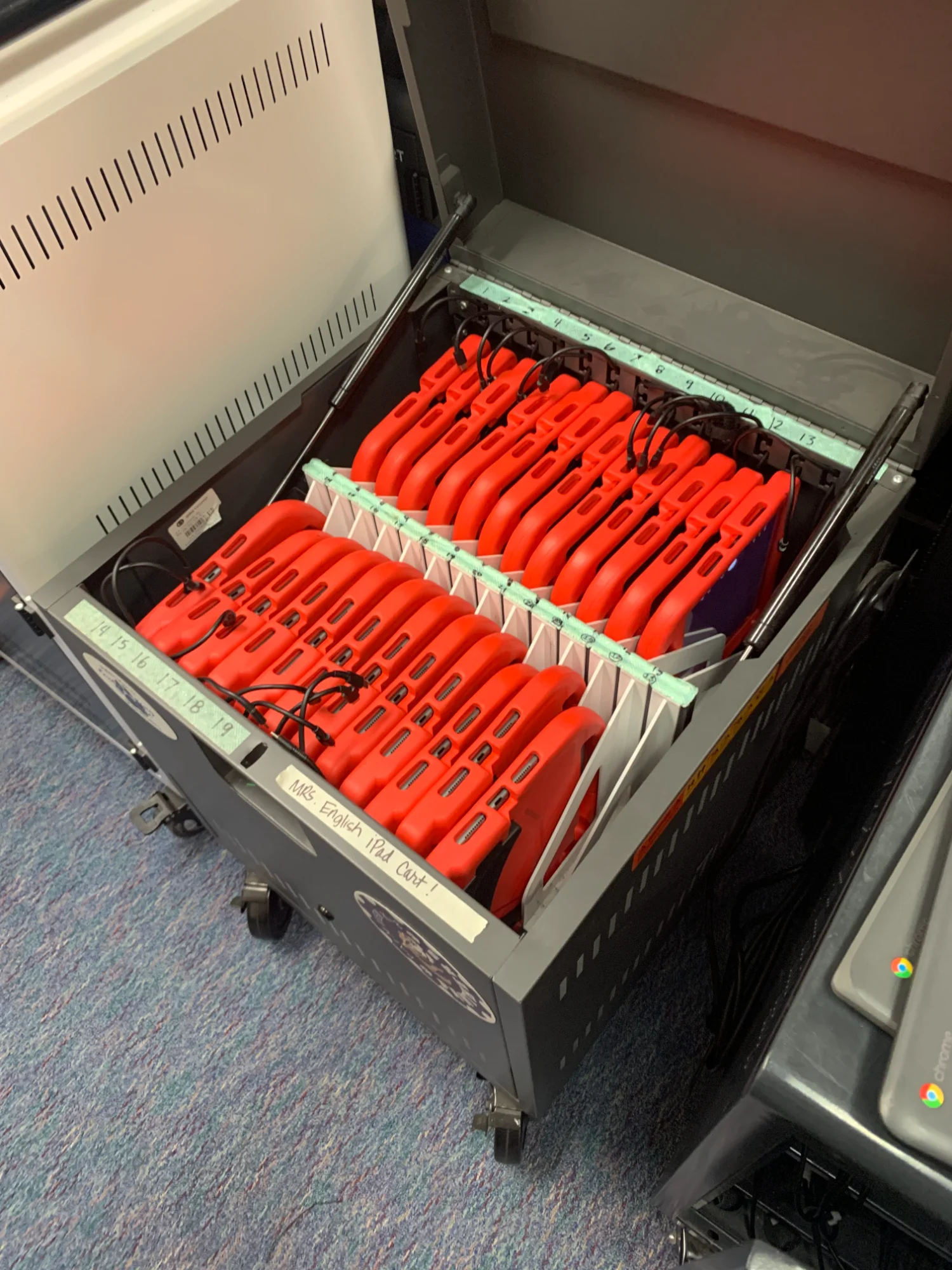
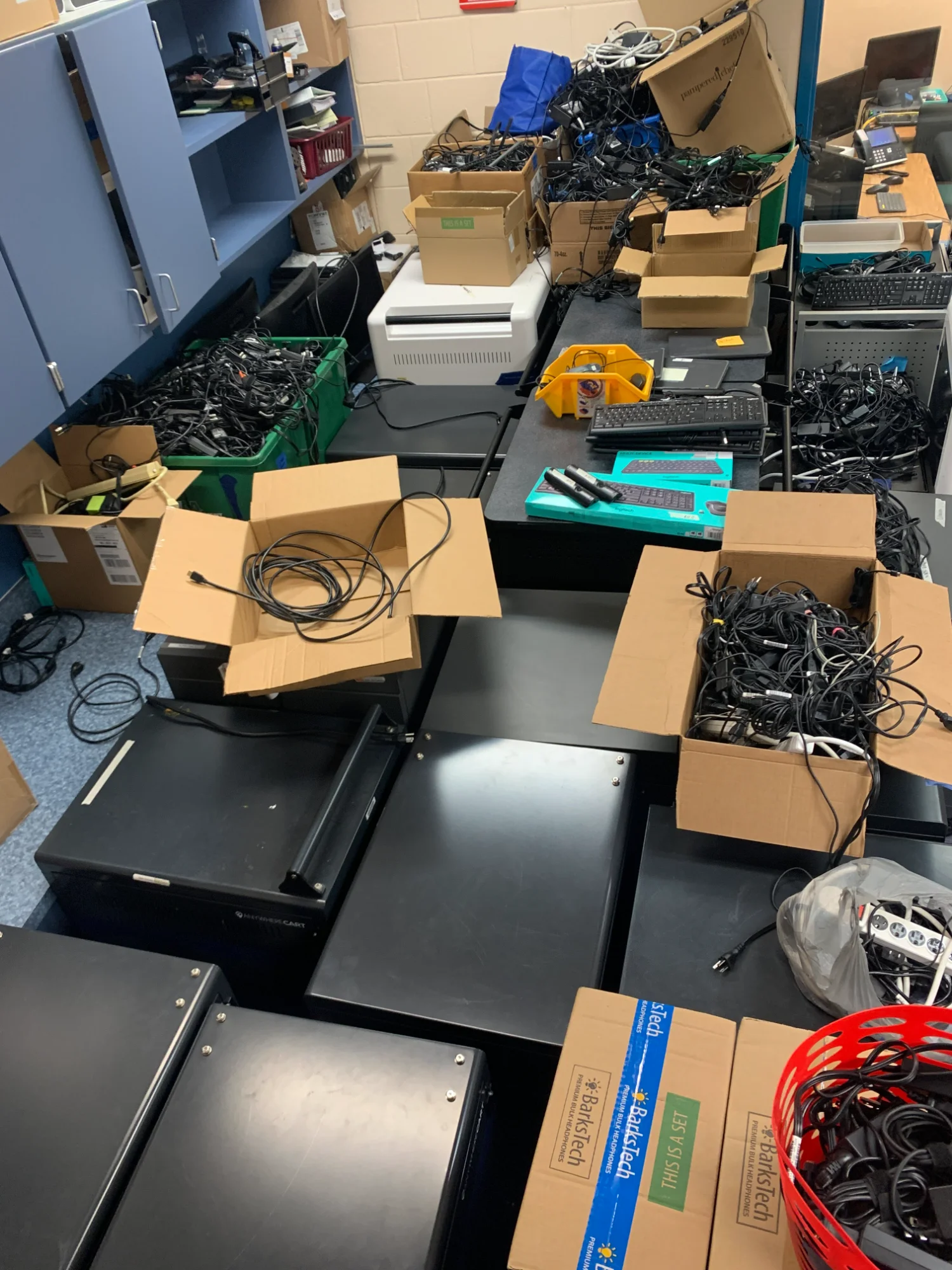
- Hundreds of devices across Windows laptops, Chromebooks, iPads, and tablets
- No searchable documentation for common technical issues
- Newly onboarded technical staff needed training resources
- Teachers needed support on interactive display technology
The Scale
This wasn't a small operation. Here's what end-of-year inventory looked like:
What I Built
Quick Reference Guides & Knowledge Base
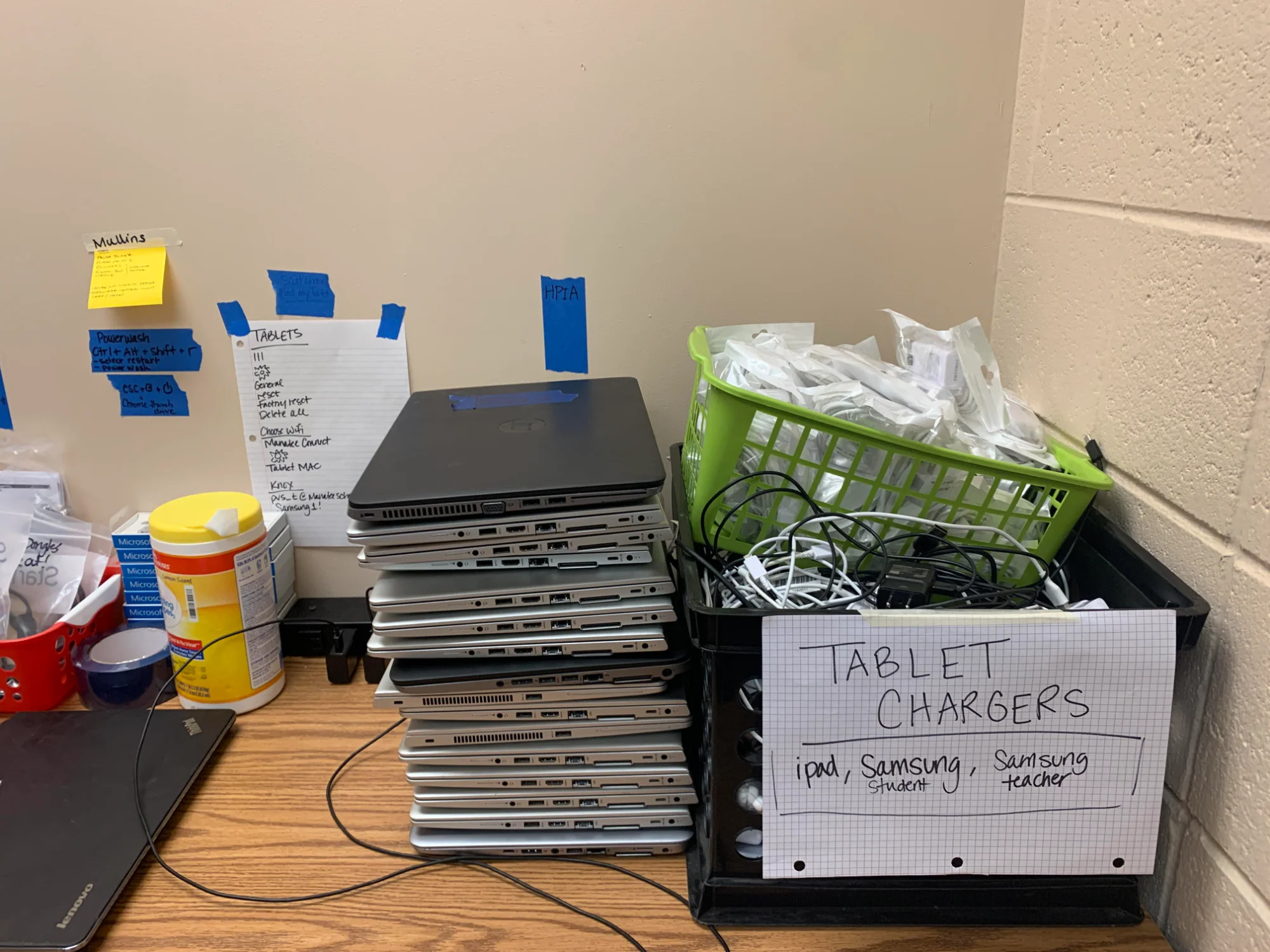
I created a documentation system using Stack Overflow methodologies—searchable, categorized, and built to reduce repeat questions. Notice the handwritten quick-reference guides taped to the wall:
- TABLETS checklist: Step-by-step reset procedures
- Powerwash instructions: Ctrl+Alt+Shift+R sequence for Chromebooks
- Device labeling system: Organized by type and assignment
- Charger organization: iPad, Samsung Student, Samsung Teacher categories
These weren't fancy—they were functional. The goal was enabling self-service and reducing repeat support requests.
Deliverables
- Knowledge base using Stack Overflow methodologies for searchable documentation
- Quick-reference guides for common procedures (device resets, Powerwash, troubleshooting)
- FAQs addressing frequently asked technical questions
- Troubleshooting articles enabling self-service resolution
- Inventory systems tracking devices across multiple platforms
- Onboarding documentation for newly hired technical staff
Results
- Reduced repeat support requests through self-service documentation
- Improved onboarding for new technical staff with ready-made resources
- Teacher enablement on interactive display technology
- Systematic inventory management across Windows, Chromebook, and iOS platforms
- Documentation that outlasted my role—built to be maintainable
The Pattern: Just like with xactechED and Arizona Esthetics Institute, I identified a gap, built systems to address it, and created resources that enabled others to succeed. The scale and context change—the approach doesn't.
Interactive Demo
Launch Interactive Demo
Explore the Palmview K-8 knowledge base and documentation system
Behind the Scenes
Managing a K-8 computer lab meant being the go-to person for 500+ devices, dozens of teachers, and hundreds of curious students every day.
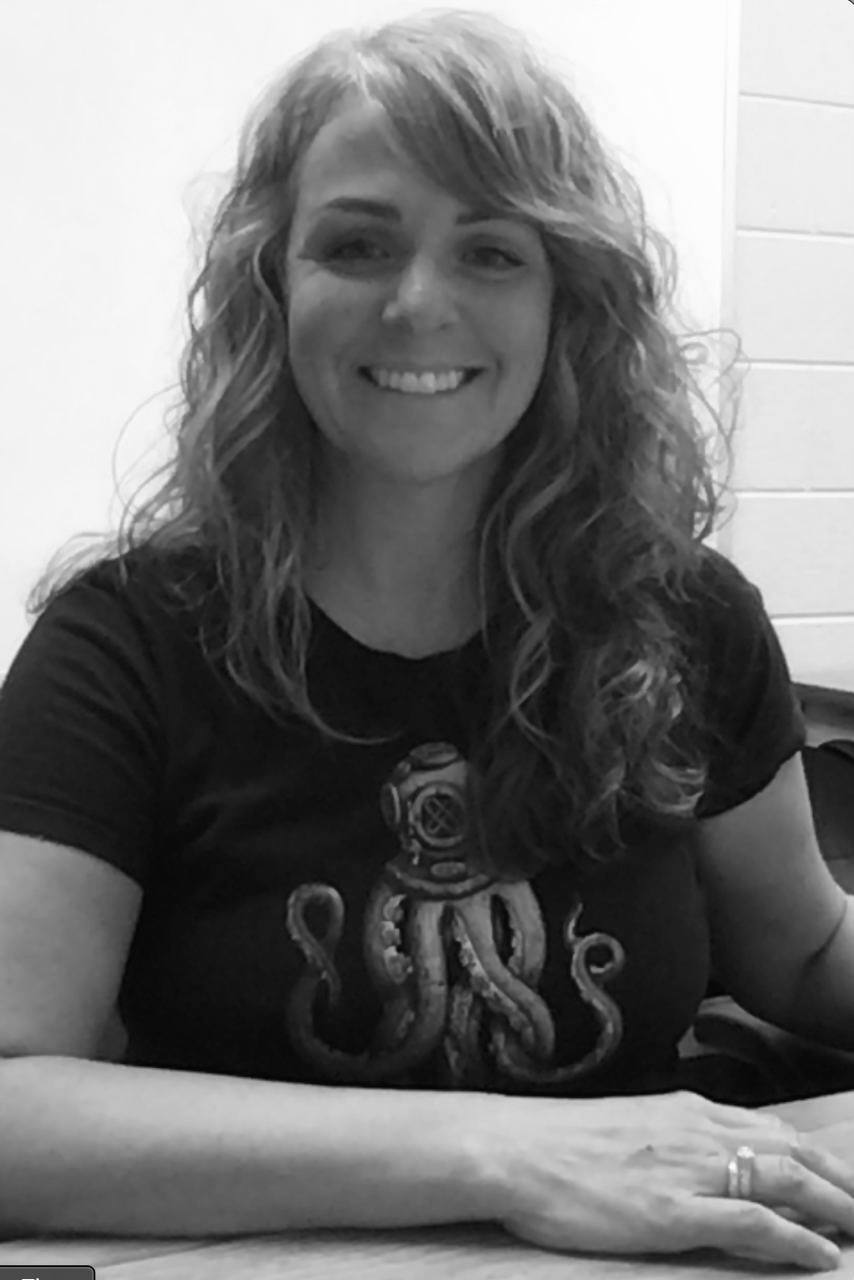
The Person Behind the Documentation
Every troubleshooting guide, every inventory system, every training session—built by someone who was in the trenches daily with teachers and students.